Article
What is a browser?
You hear the term often, but what exactly is a browser? A browser is the program that lets you surf the internet. Another word for browser is internet browser or web browser: it is simply the program you use to get onto the internet.
This can be through different devices such as your computer or laptop, tablet, smartphone or smart TV. You can also get onto the internet through various consoles using a browser. The most used browsers in the Netherlands are Google Chrome, Firefox, Internet Explorer, Opera and Safari. The last of these is used together with Apple products such as the iPhone.
How do you use a browser?
When you open one of the browsers above, you can enter the web address of the site you want to visit in the address bar at the top. By doing this you can visit different websites and surf across the internet.
What can you do with a browser?
There are many possibilities within a browser, all meant to make things as easy as possible for you. For example, it remembers which website you have visited before, and if you want, a browser can remember website login details for you. This is handy because then you do not have to log in again every time. Google Chrome is linked to Google, which means you can also use the address bar to run searches.
On top of that, with some browsers you can adjust a number of functions yourself. You can do this in the browser settings. For example, you can set which search engine you want to use by default and which website the browser opens with by default.
Private mode
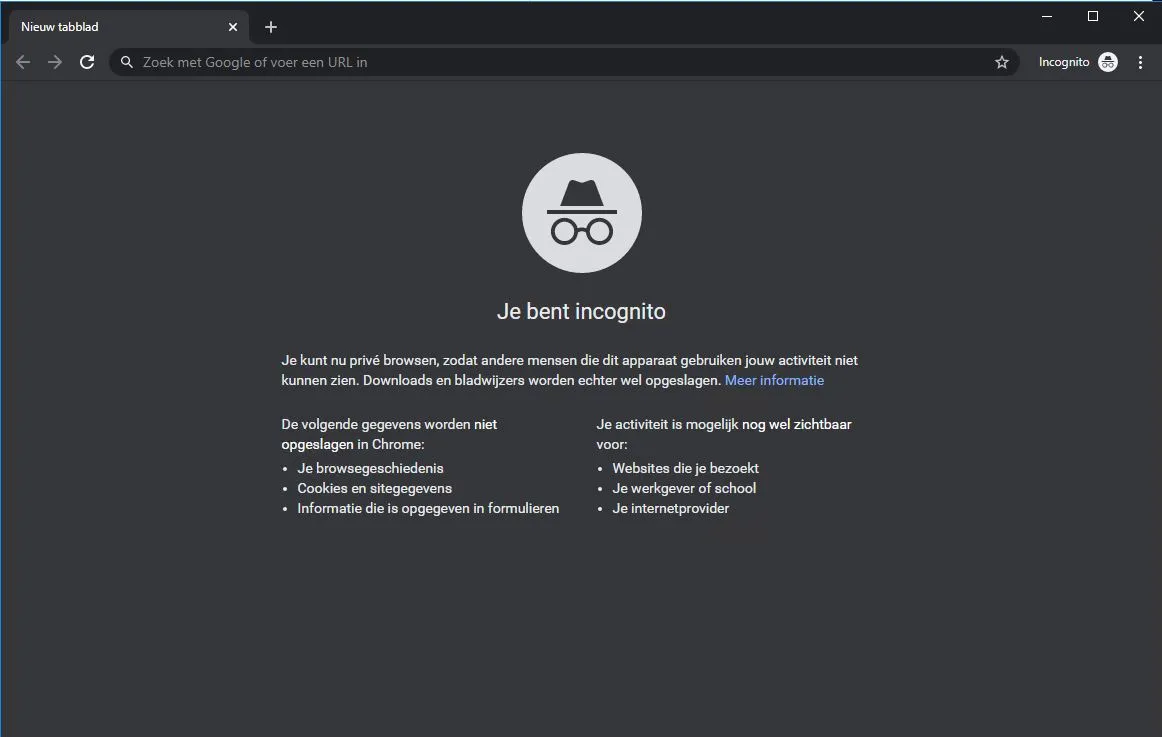
Several browsers also have a private mode. You can turn this on while viewing different pages. The information from the website and its address are not stored, whereas this normally does happen.
Taking notes
Sometimes when reading certain websites you come across a lot of text you would like to make a note of. With some browsers it is possible to take a screenshot and write on it directly. This is especially handy when you do this from a tablet.
Saving favorite pages
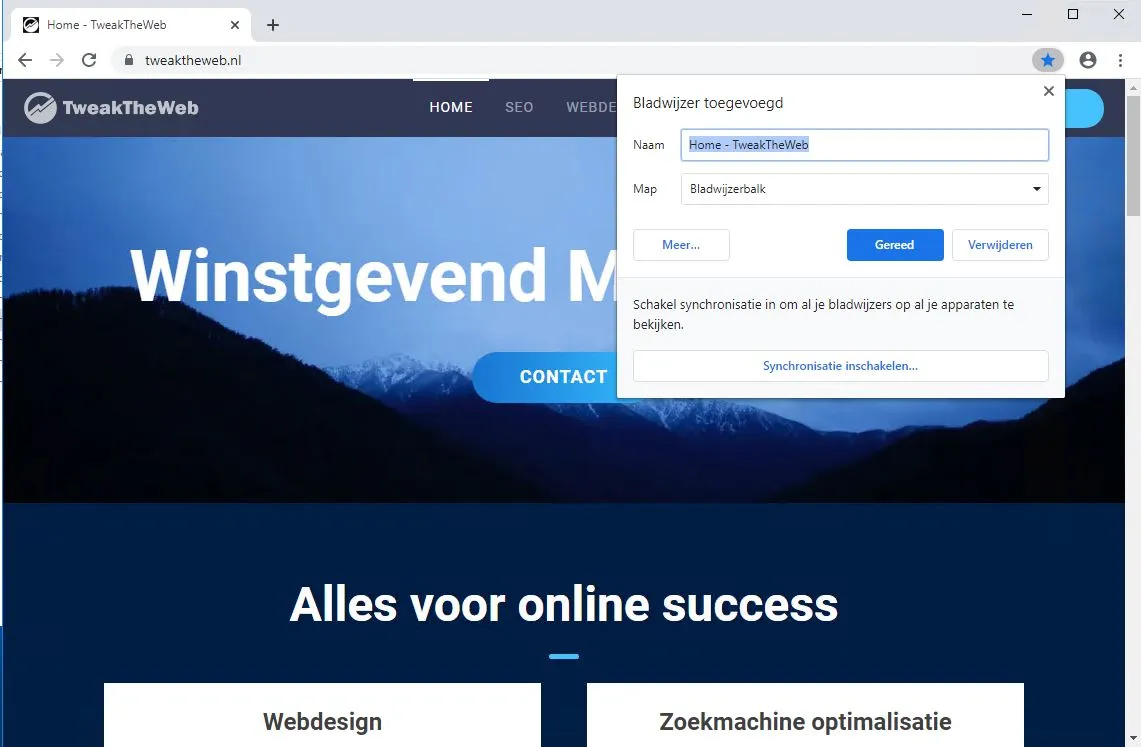
If you have a page you would like to keep, you can save it as a favorite. Your browser then remembers this page in one handy place. That way all your favorite pages stay neatly together!
Which browser is the best and fastest?
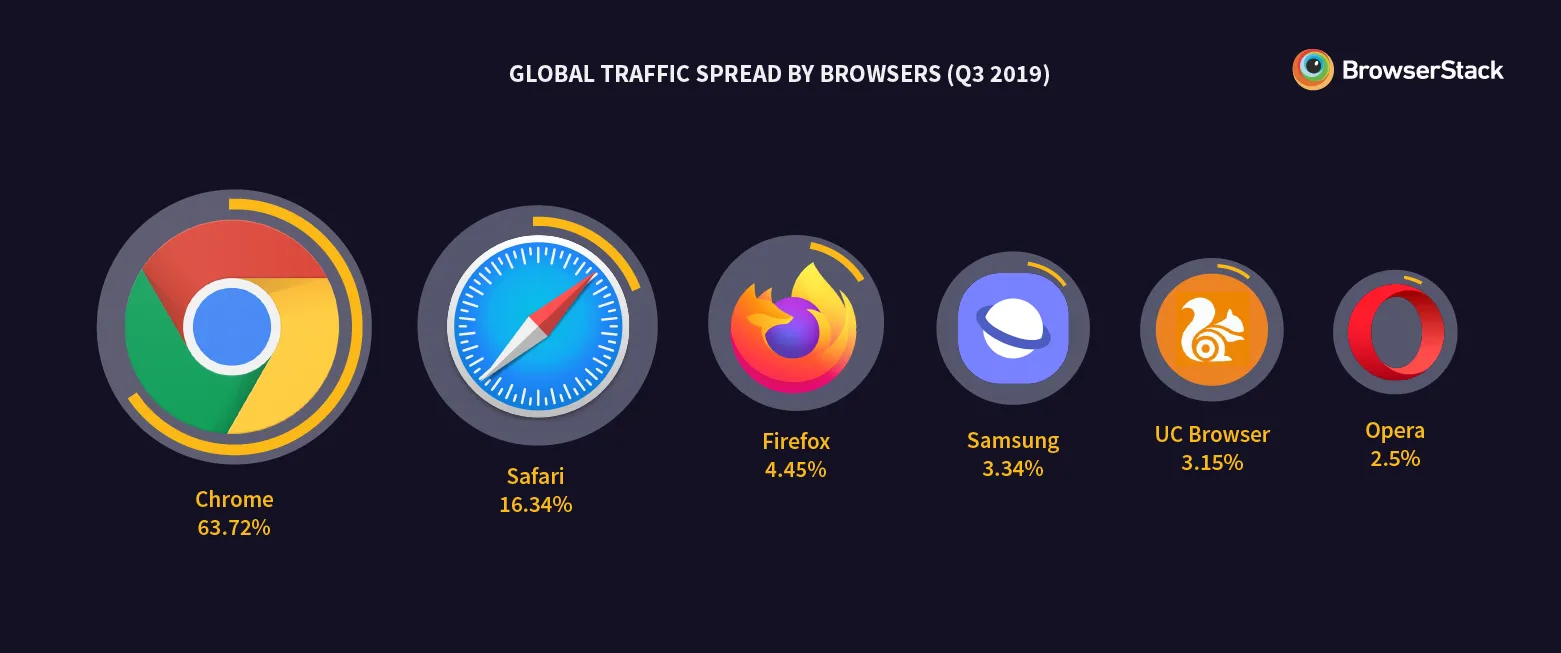
This differs for everyone. Some people find Internet Explorer works nicely, others prefer Google Chrome. By simply trying them out you can discover which browser works best for you.
Research has been done into this question though. For a long time Firefox was the fastest browser, while Google Chrome was seen as the best browser, because Google Chrome has a lot of features and its speed is not much lower than Firefox’s. But there is now a new browser that is faster than Firefox and has the same features as Google Chrome. This is the Brave browser.
Brave browser is a unique new browser. It is built on the same base as Chrome. All the Google Chrome services have been removed from it, and various tracking blockers have been built in instead. It blocks tracking cookies by default. It also has an ad blocker built in.
Because Brave blocks all these services, pages load super fast, and thanks to the Google Chrome base all Chrome extensions work on Brave. You can download Brave here, and import all your settings and extensions from Chrome, Safari or Firefox.
Quick question · 30 seconds
Want this running in your business?
Book a free thirty-minute intro call. Worst case, you leave with a clearer picture of what's possible.